October updates
Here are the updates for the last month. Shared sign-in now works across apps, the Dataset Importer was rebuilt as v2, and GC Explorer received a round of usability polish, alongside significant documentation growth.
GC Landing Page
- Shared authentication sessions: Sign in once and move between Landing Page, Explorer, Superset, Windmill, and custom apps without being asked to log in again.
- New
/_inforoute: Returns the version tag, commit, build ID, and start time without requiring sign-in, to help with troubleshooting. See Which version of the app am I using?
GC Explorer
-
Sidebar and reset map rework: Reworked the sidebar and map reset experience to improve usability and user experience.
-
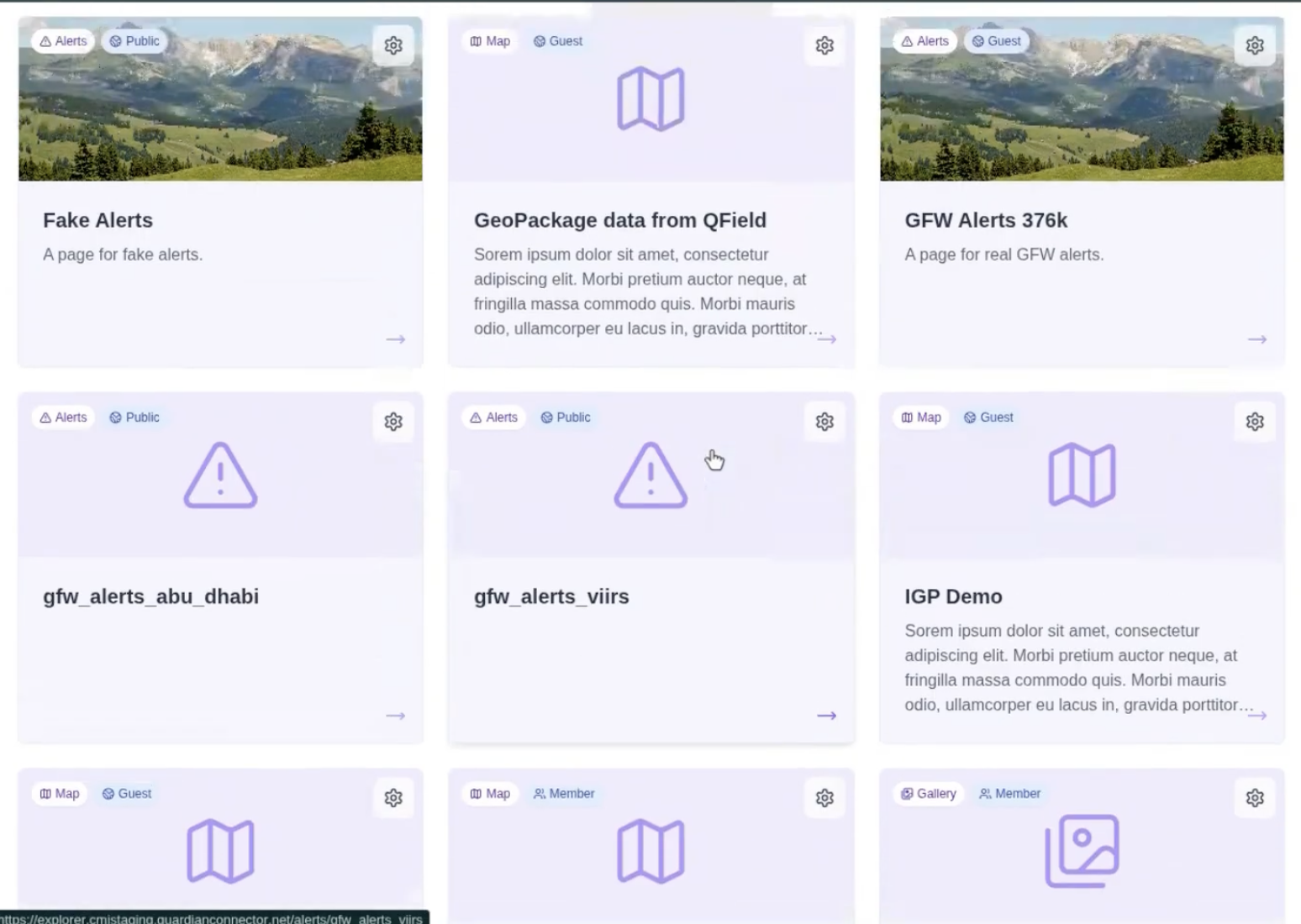
Dataset cards improvements: The whole card is now hoverable and clickable, and placeholder header images keep click targets stable when no featured image is set.
-
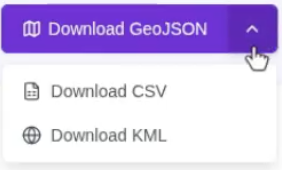
Grouped geospatial downloads: Download buttons are now grouped into a single dropdown, with GeoJSON as the default and CSV and KML as additional options.
-
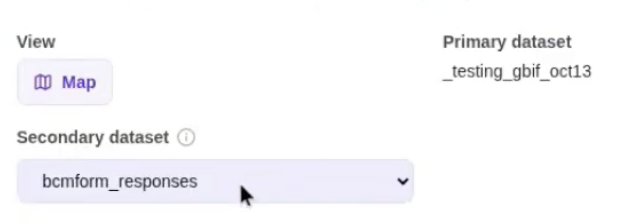
Secondary datasets in Map View: Secondary datasets now display in Map View. See Configuring Views.
-
CoMapeo SVG icon improvements: Icons load with a white backing for legibility against the map, and icon border colors match category colors so the relationship with the colored dots is preserved while filtering.
-
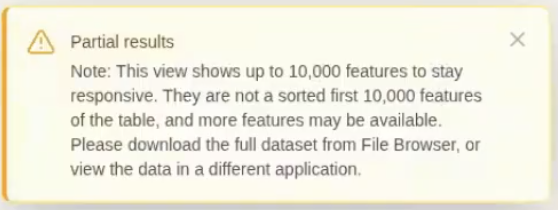
Clearer row-limit message: The toast for large datasets now reads as partial results, explaining that the view shows up to 10,000 features to stay responsive and pointing to the full dataset download.
-
Alert confidence tooltips: Reintroduced tooltips for alert confidence levels, and added tooltips for the new Imazon alert-tier definitions.
-
Sign-out button: Added a sign-out button to Explorer.
GC Scripts Hub
-
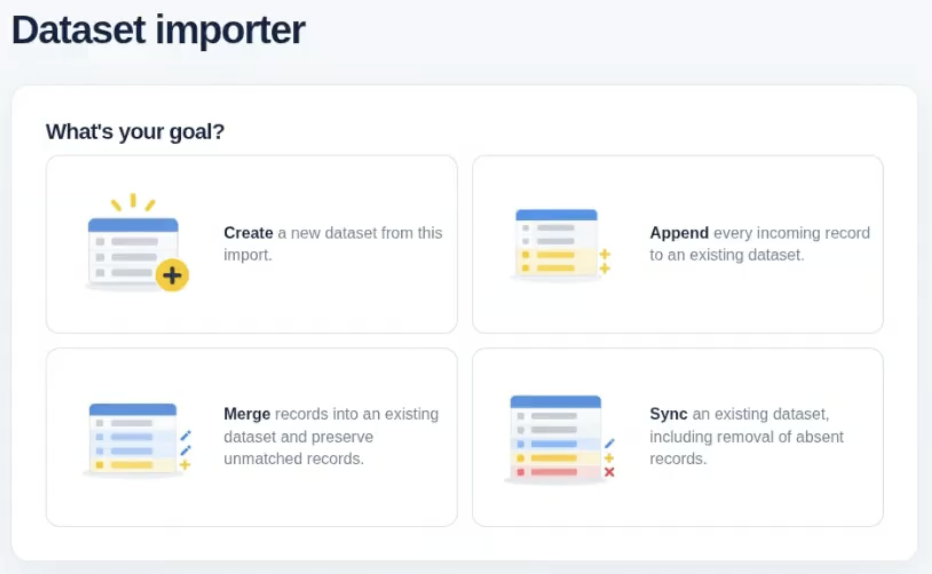
Dataset Importer v2: Rebuilt import flow with explicit import strategies from the outset — append new records only, update existing records, or sync including deletions — plus a new identity step where you choose which column identifies a row for merging. See GC Dataset Importer.
-
CoMapeo blocklist by name: The fetch script blocklist now uses project
nameinstead ofprojectId, so blocked projects can be copied directly from previous run results. See CoMapeo. -
Select existing database tables: Connectors now let you pick an existing table from a dynamic dropdown or enter a new dataset name, reducing accidental uploads to the wrong table.
-
New eBird connector: Import bird observation occurrences from eBird via the eBird API 2.0, supporting recent observations in a region, recent nearby observations, notable observations, and historic observations on a date. See the connector README.
GC HTTP Server
- Auth0 sign-in: Custom apps served by the HTTP Server can now use Auth0, reusing the shared session across Guardian Connector. Username and password remain available as an option.
- Optional
DATA_DIRECTORY: New environment variable to specify where data is located, separate from the application code itself.
GC Wildlife Viewer
- Auth0 sign-in: The Wildlife Viewer can now use Auth0, reusing the shared session across Guardian Connector. Username and password remain available as an option.
GC Docs
- New FAQ items: Added answers on how Guardian Connector works with SMART (or another tool) and on whether CMI or Nia Tero use partner data.
- Updated documentation:
- Improved Superset deck.gl Scatterplot documentation.
- Expanded GC Explorer view configuration options.
- GC Landing Page guided tour, language selection, and light/dark mode.
- Dataset Importer (v1).
- Added new documentation:
- Downloading vector tiles from Mapbox.
- Common workflows reorganized by task, with new and improved scenarios for getting data in, monitoring and analyzing it, sharing and presenting, and getting it back out.
- News and Articles page: A compiled list of articles, blog posts, and other writing about Guardian Connector and partner organizations.