June updates
· Leitura de 2 minutos
This month’s updates focus on improving the user experience, enhancing platform performance, and expanding data integration capabilities.
1. User Experience & Interface
Landing Page Redesign and Usability
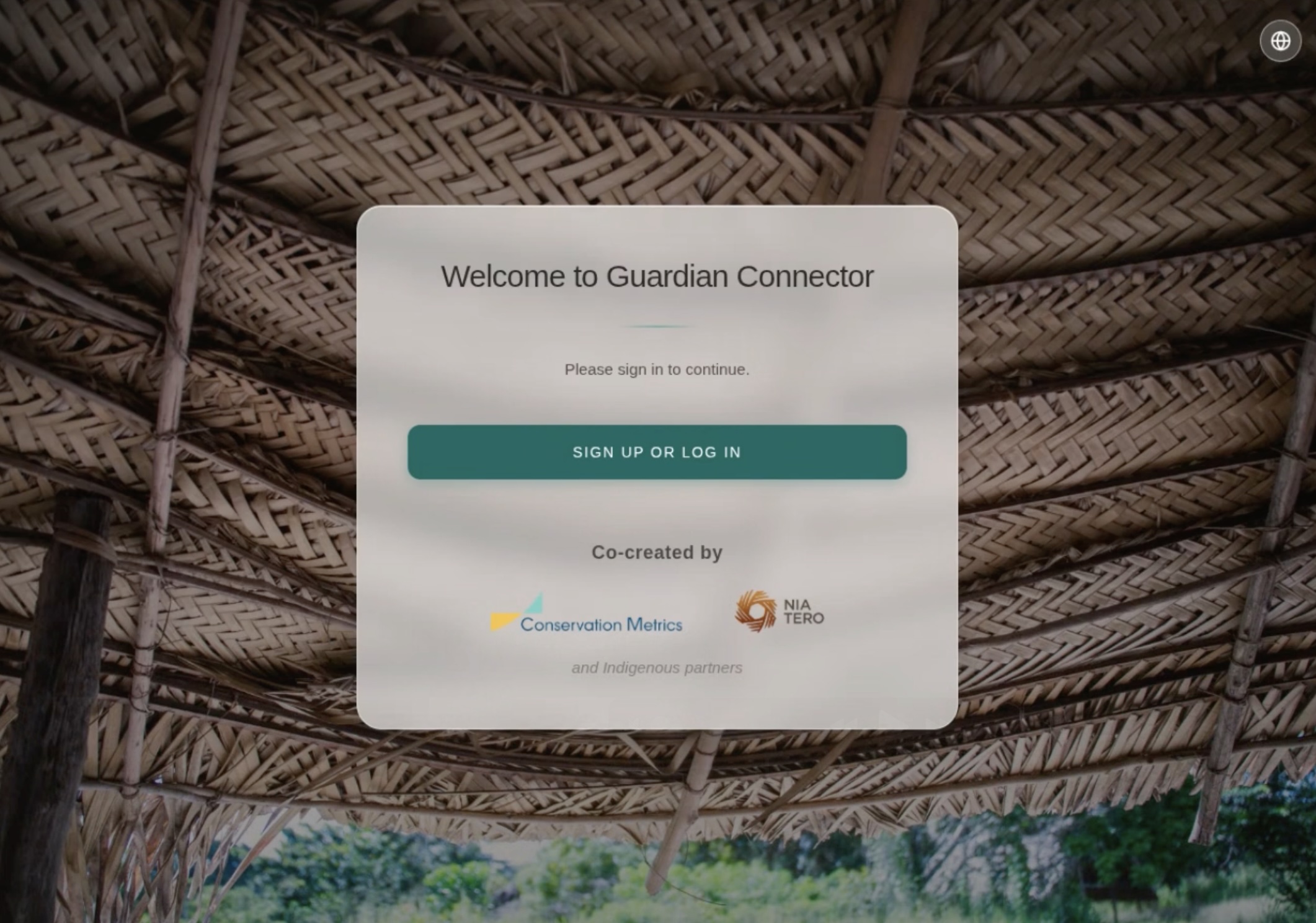
The first page that you see in GC has received a complete overhaul to improve navigation and accessibility:
- The login page has been redesigned with a new layout, updated logos, and improved language picker functionality.
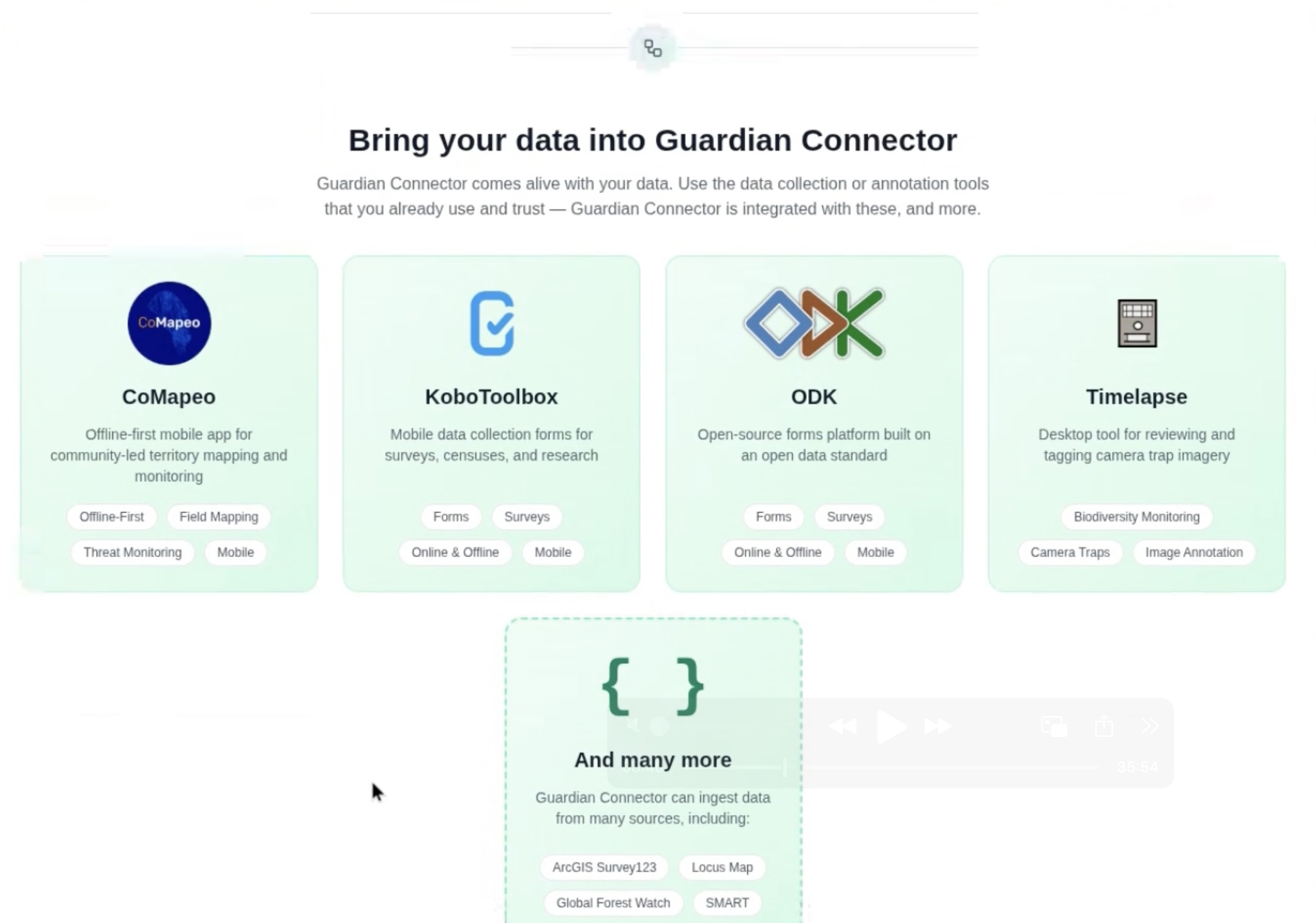
- Improved User Guidance: The landing page now provides clearer information on how to integrate data, including examples of compatible apps like CoMapeo and KoboToolbox, to assist new users.
- Accessibility: Swahili and Thai language support have been added to the platform.
Explorer Interface and Consistency
The following updates were made to the GC Explorer tool:
- Visual Standardization: The platform's visual identity is now more consistent, with and uniform color usage and icon styling.
- Enhanced Feedback: Empty state screens for various views, such as the Gallery view, have been introduced to provide better feedback when no data is available, replacing previous blank screens.
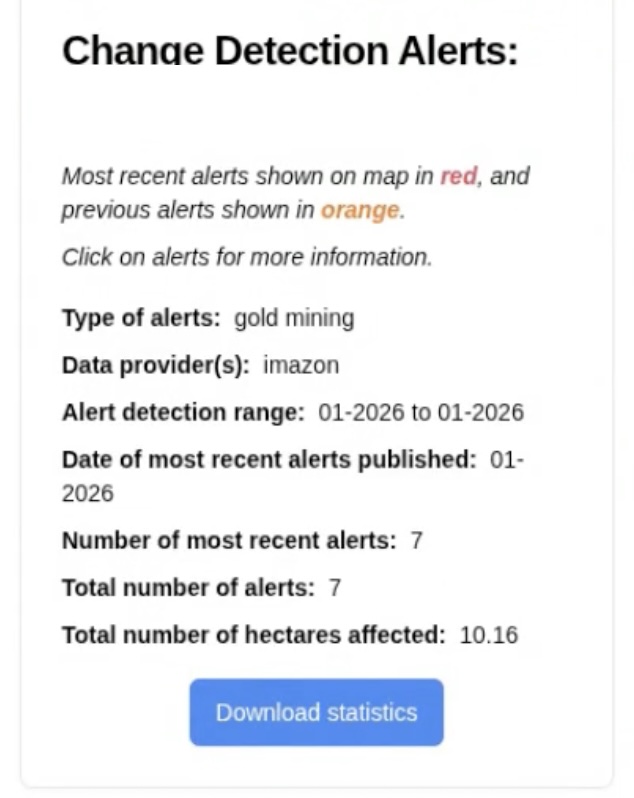
- Alerts and Statistics: The Alerts Dashboard now allows users to download statistics that are filtered by the currently selected date range.
2. Data Handling and Connectors
Data Performance Improvements
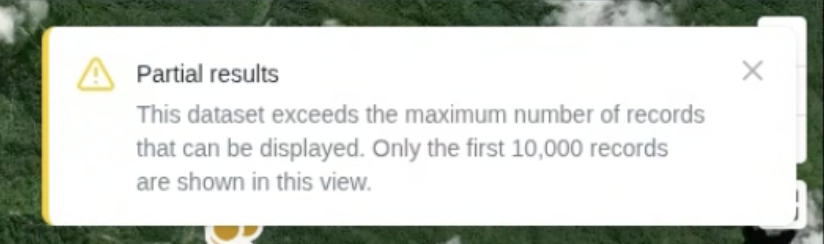
- Data Loading Limit: To prevent performance issues when visualizing large datasets, a hardcoded limit of 10,000 records has been implemented for data visualization in GC Explorer.
A toast notification now alerts users when this limit is triggered.
New External Connectors
- Cyber Tracker Connector: Support for Cyber Tracker has been added to the GC Scripts Hub.
- GeoPackage Uploads: Support for GeoPackage file uploads has been added to accommodate workflows from QGIS and QField.
3. Engineering
- Deployment Fixes: Deployment documentation has been improved to address common issues encountered during the installation process.
4. Documentation
- A new guide for Local Contexts has been added to the documentation, providing instructions on project setup, label curation, and resource configuration within the Windmill tool.